Map Tools
Manage properties, check statistics, and navigate by town directly in the editor.
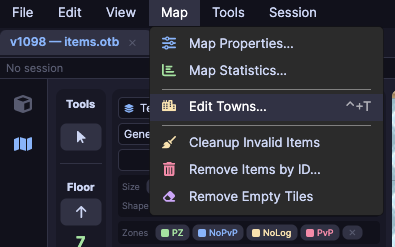
Map properties
Go to Map → Map Properties to view and edit the map metadata.
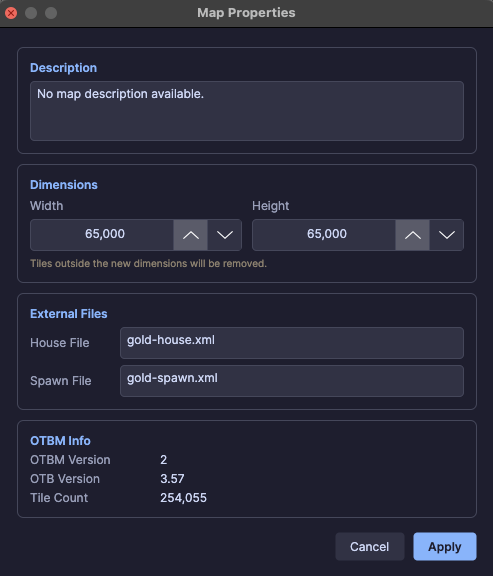
| Field | Description |
|---|---|
| Description | Descriptive text for the map |
| Width / Height | Map dimensions in tiles |
| House File | Path to the houses file (.xml) |
| Spawn File | Path to the spawns file (.xml) |
Map statistics
Go to Map → Map Statistics to see a numeric summary of the loaded map.
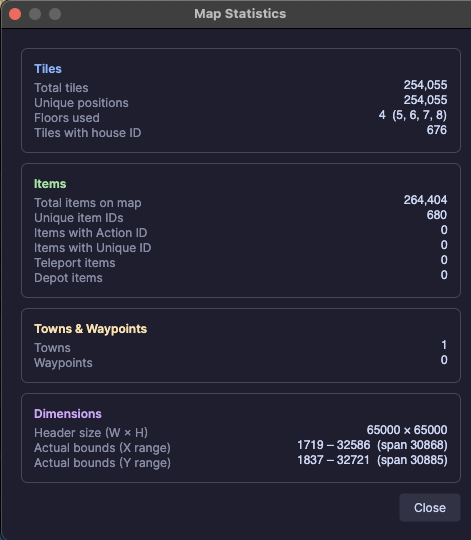
The dialog shows:
- Total tile count
- Total item count
- Number of spawns
- Number of houses
Usefulness
Use statistics to verify if an import or cleanup changed the map as expected — compare numbers before and after.
Town navigation
The properties panel now includes a town list with integrated search.

- Type in the search field to filter towns by name
- Click a town to center the map on it
- The list is populated automatically when loading the map and restored between sessions
Centered minimap
The minimap now renders centered on the viewport, regardless of map size.

- Drag the minimap to reposition it
- Resize as needed
- The visible area is highlighted with a selection rectangle on the minimap