Collections
Organize your favorite items into named collections directly in the editor — no XML editing needed.
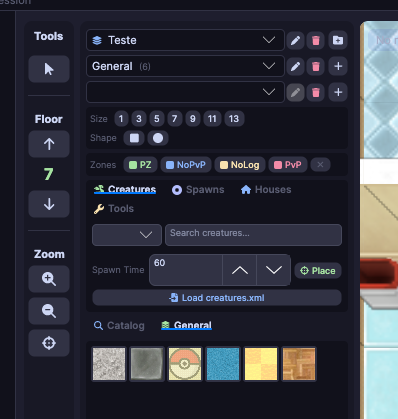
Creating a collection
- In the side palette, click the Collection tab
- Name your collection in the text field
- Add items via the context menu (right-click any item in the list)
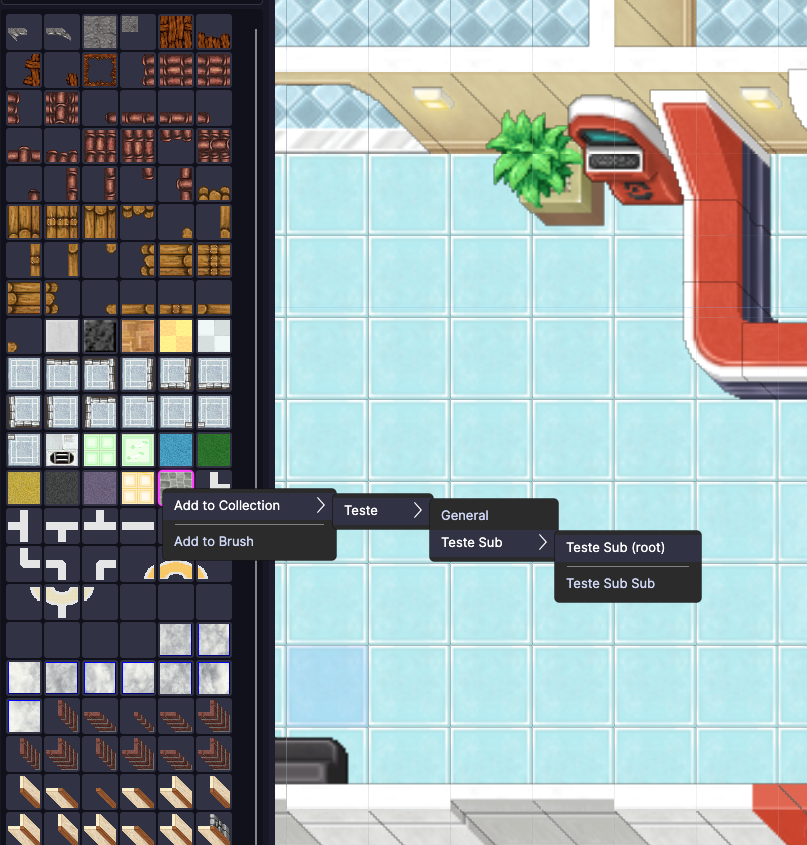
Context menu options
| Option | What it does |
|---|---|
| Add to Collection | Adds the item to the currently selected root collection |
| Add to Sub-Collection | Creates or adds to a sub-collection within the current collection |
Category-aware transplant
When performing transplant or merge between sessions, you can now filter by category.
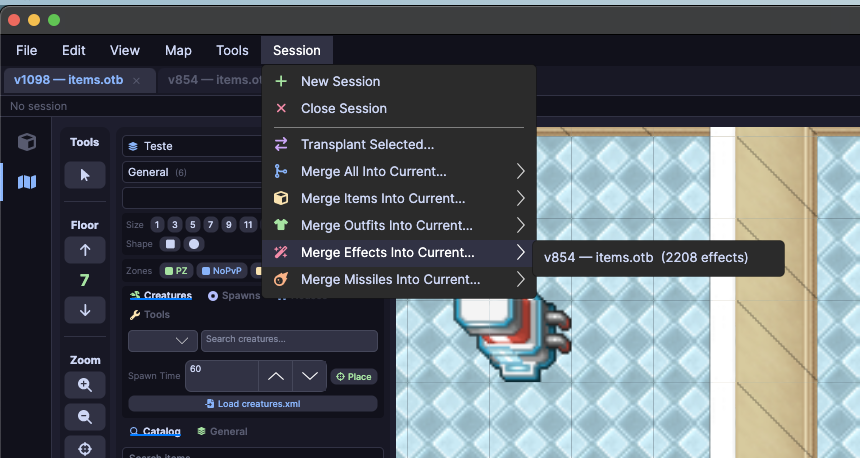
| Category | What it includes |
|---|---|
| Items | All client items (terrain, equipment, decorations) |
| Outfits | Character and mount visuals |
| Effects | Visual effects (magic, impact, etc.) |
| Missiles | Projectiles and trajectory effects |
Animated previews
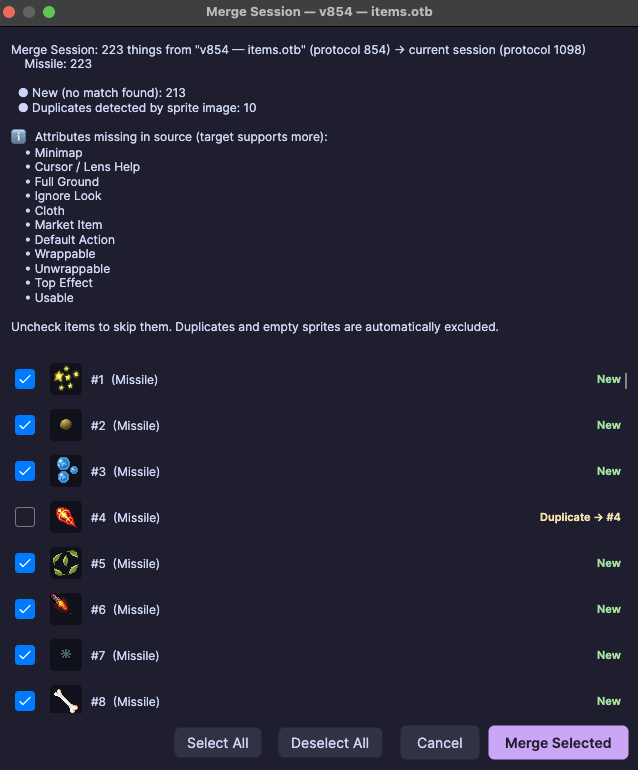
Merge and transplant dialogs now display animated sprite previews, making visual identification easier before confirming the operation.